 14/10/2026This week we are celebrating Ada Lovelace in the library, with activities and books that highlight her life and women in STEM.
#AdaLovelaceDay #ALD26 #womenInSTEM #greatschoollibraries #goallin
14/10/2026This week we are celebrating Ada Lovelace in the library, with activities and books that highlight her life and women in STEM.
#AdaLovelaceDay #ALD26 #womenInSTEM #greatschoollibraries #goallin- Home
- Attendance
- Report a child's absence
- Guide to Studybugs
Guide to Studybugs
To report your child absent, please notify us using our new Studybugs reporting system. Please choose one of the following three options (you do not need to do all three):
Click the banner at the top of this page
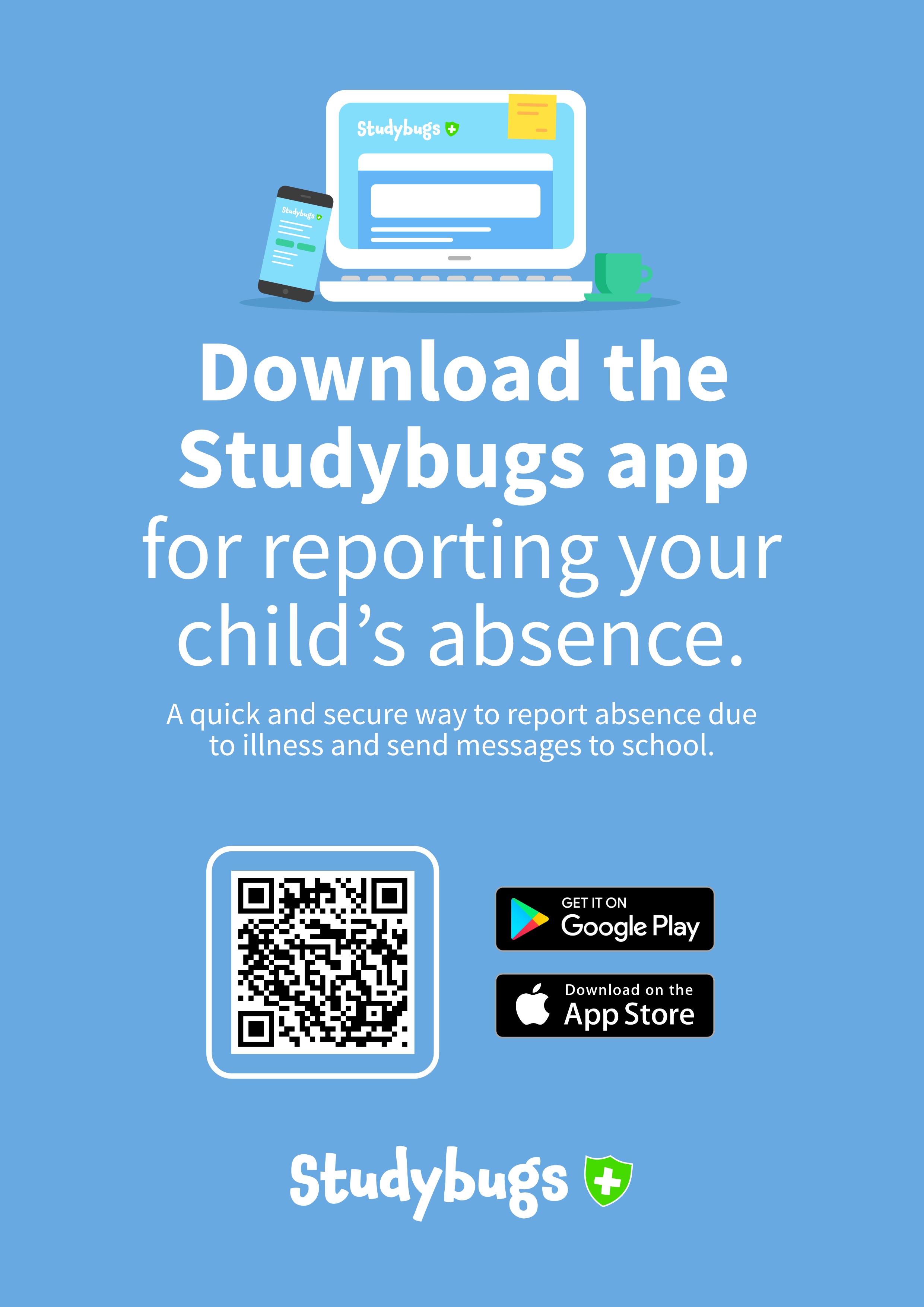
Download the Studybugs app to your mobile device
Visit the Studybugs website directly at studybugs.com
Step 1: Create your account
To register, go to the Studybugs website https://studybugs.com/register or scan the QR code below:
Check your email inbox and click the activation link you are sent to complete your setup.
Step 2: Add your child
Once logged in, click the Edit button under your name.
Add your child, or children who attend Woolmer Hill School.
To ensure absences are recorded promptly and accurately on Arbor, all absence notifications must be submitted through Studybugs by 8.30am.
Please do not email tutors directly, as this can delay the information reaching the attendance team.